Optimize MacBook Developer Cache Pools
Reclaim Gigabytes of Mac Developer Disk Space
Deeply scan and purge hidden storage from Xcode simulators, Node modules, Docker caches, Gradle daemons, Cargo builds, and editor logs in one tap.
Node Modules Cache
14.2 GB Cleanable
iOS Simulator Logs
8.4 GB Cleanable
Gradle & Daemons
4.1 GB Cleanable
Rust Cargo Registry
5.8 GB Cleanable
Advanced Cache Purging for macOS Developers
Safely target and clear developer directory logs, build indexes, and transient runtime data to speed up compile runtimes.
Node, Yarn & Bun Caches
Quickly clean local registries, metadata pools, and packages downloaded during dependency updates, reclaiming gigabytes of disk space.
iOS Simulator Resetter
Reset CoreSimulator device states, remove sandboxed app databases, and wipe test media files. Rebuild simulator instances cleanly on compile.
Docker Image & VM Caches
Reclaim storage allocated by Docker Desktop containers, diagnostic log stacks, and virtual disk drive VM volumes easily.
Gradle & Kotlin Optimizers
Clean up Gradle daemon logs and localized build caches. Clear out Java compile registers, forcing fresh package downloads on Android builds.
Rust Cargo & Git Repos
Purge downloaded cargo registry indexes, local build clone registers, and redundant git dependencies for high-performance builds.
Editor & IDE Indexes
Reset temporary workspace cache indices and log databases generated by VS Code and JetBrains IntelliJ/WebStorm/Android Studio.
App Screenshots
Take a peek at Mac Dev Cleaner's intuitive desktop interface and powerful optimization tools
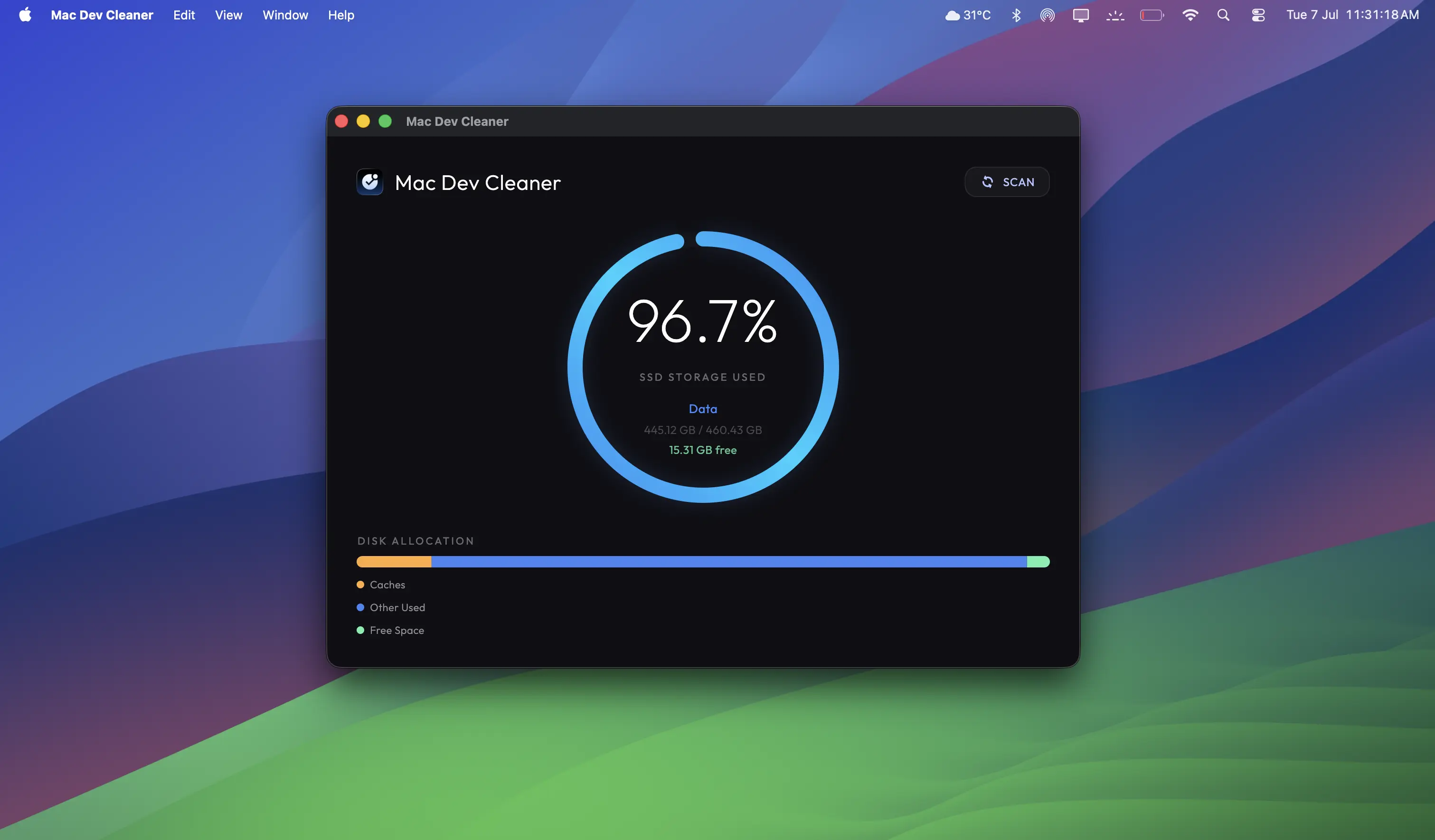
Disk Analyzer Dashboard
Complete analysis of Simulator logs, Node module cache directories, and build registries.
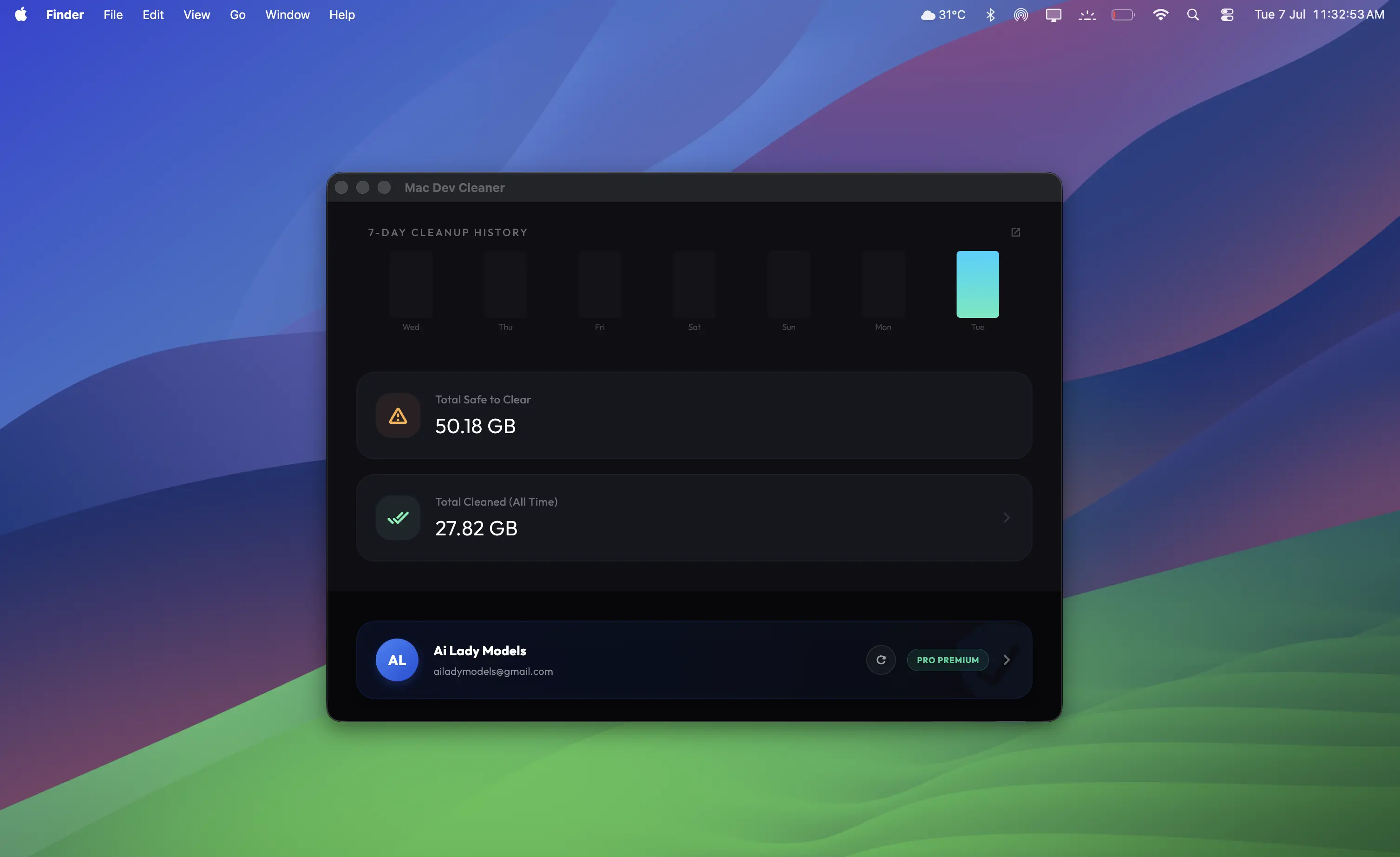
Deep System Scan
Inspect build directories, compile caches, and Xcode junk files, flutter caches, node module caches securely.
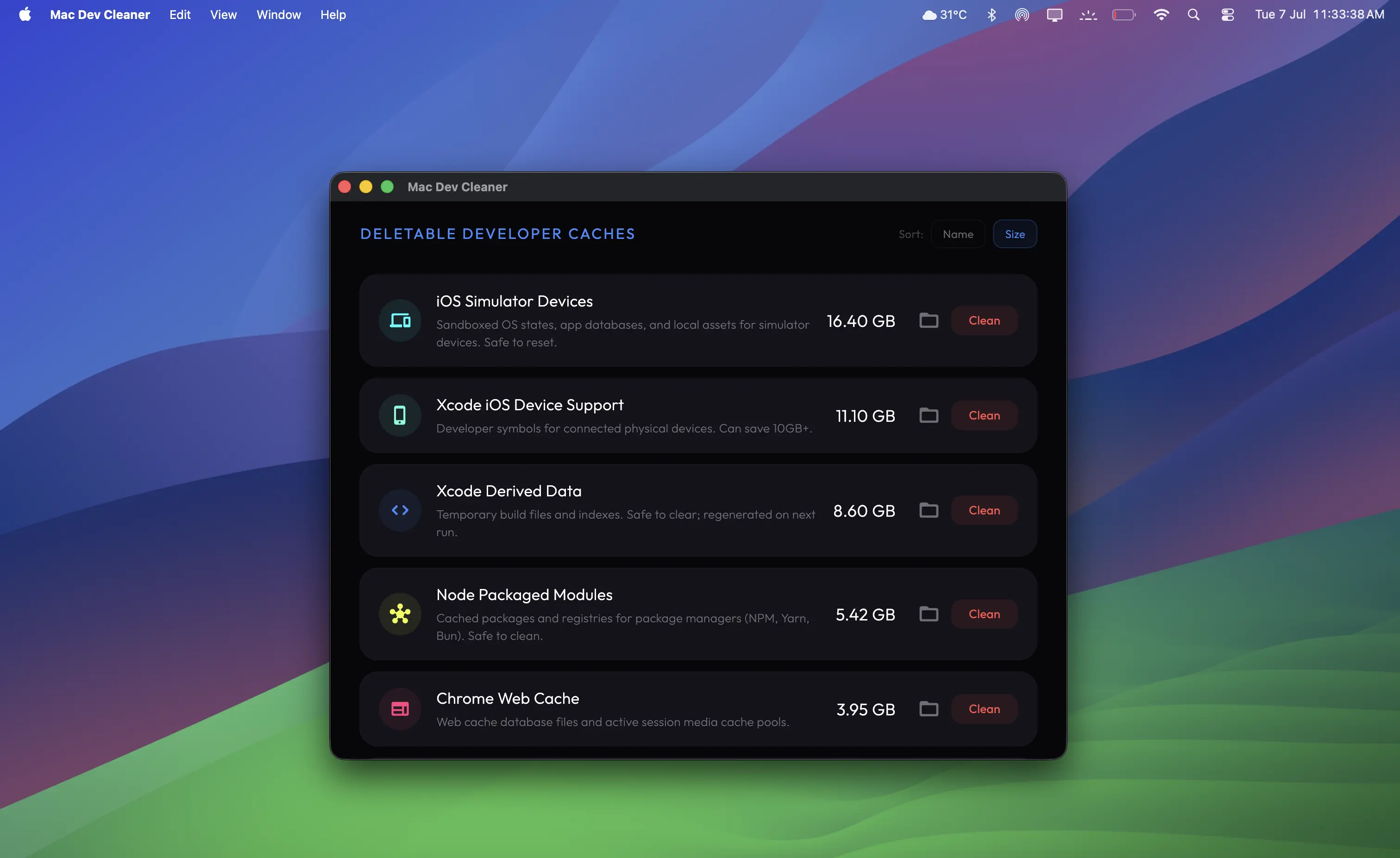
Scan & Delete Whichever You Want
Gigabytes of system space reclaimed instantly with one single click.
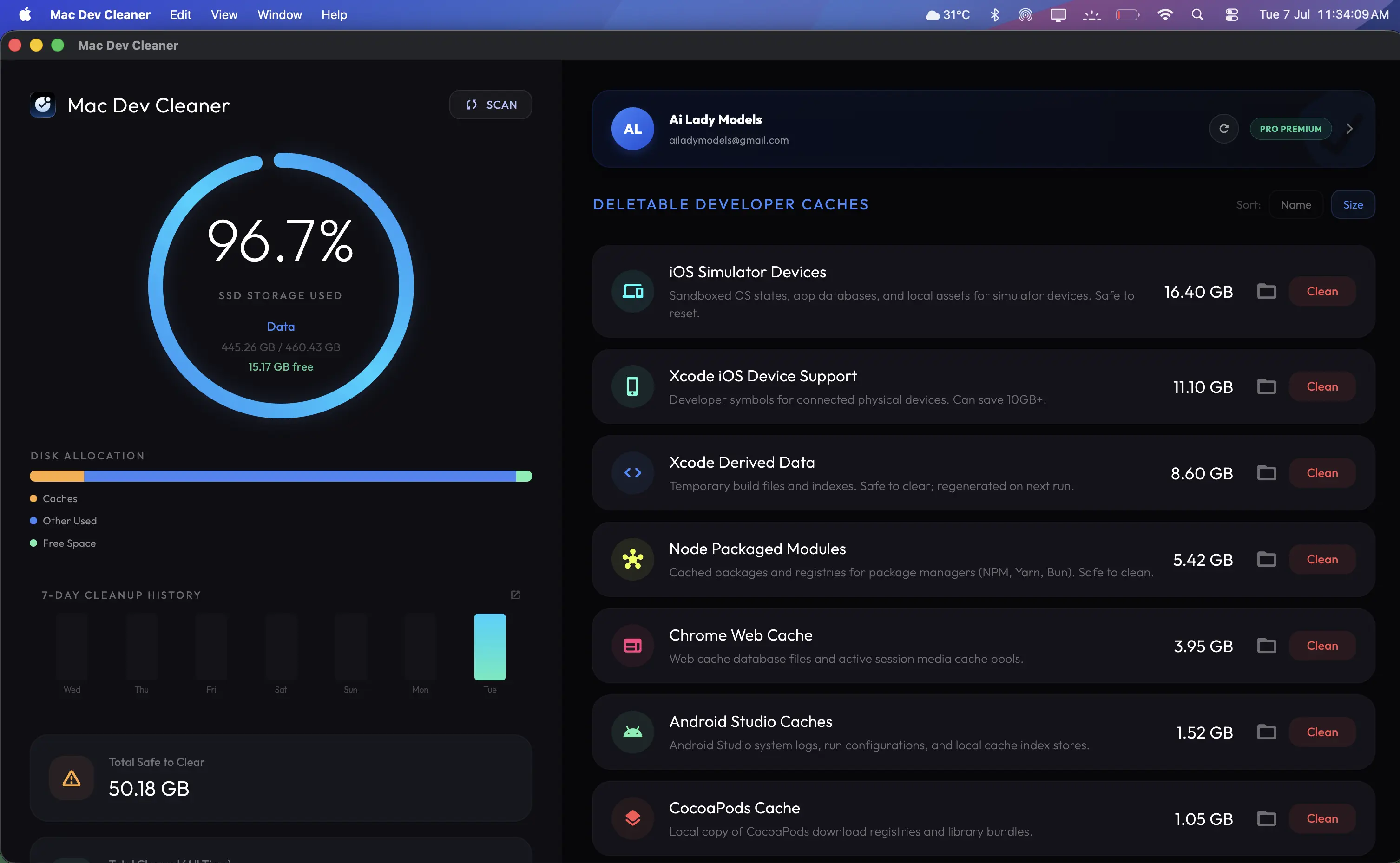
Best For Developers & Power Users
Best for developers, vibe coders and power users who wants to free up disk space with just one click frequently.
Loved by Developers
See how engineering teams are keeping their macOS workstations clean and fast
"It's a great app for developers to clean up their mac and save hell lot of a time, worth buying."
"My Xcode simulators were eating up 80 GB of storage. Mac Dev Cleaner reclaimed all of it in seconds. The UI is simple, clean, and lightning fast."
"Absolutely essential tool for modern developers. Cleaning node_modules caches across multiple directories with one tap has saved me so much manual script execution."
"I was blown away by the Docker and Cargo daemon purge capabilities. It clean sweeps inactive container caches and builder junk cleanly without breaking active projects."
"Finally a cleaner that understands developer workflows. Most cleaning apps delete critical config files, but Mac Dev Cleaner targeting compile caches, simulators, and editor logs is perfect."
Getting Started & FAQ
Everything you need to know about setting up your license, using the app, and managing cleanups.
How to Setup & Use Mac Dev Cleaner
1. Join & Activate
Sign in with Google, then visit the Pricing page to activate either the Free Trial or a Premium Plan.
2. Copy License Key
Head over to your Profile page and copy your unique App License Key.
3. Install the App
Download the Mac Dev Cleaner DMG, mount it, and drag the app into your Applications folder.
4. Activate & Clean
Open the app, log in with your email and license key, scan your system, and tap Delete to clear cache clutter.
Frequently Asked Questions
We periodically provide trials during special festive offers. On regular days we don't provide a trial, so grab yours whenever you see it live here on our website!
Activating the trial from the pricing page grants full app access. The trial is active for your specified plan hours and daily cleanup quota (e.g. 1 hour or 3 hours). Check your web Profile dashboard to track your remaining time.
We only deduct from your daily quota when you successfully complete a cache cleanup (by clicking 'Delete'). You can scan, inspect, and refresh your caches as many times as you like without consuming your quota limit.
A license key is needed to authenticate your active membership and track your dynamic daily allowance on our servers. This lets you securely keep your cache usage, limits, and multi-device sessions in sync.
Standard plans authorize activation on 1 active Mac workstation at a time. If you purchase an upgraded plan, your device limit increases. You can reset or view your active device sessions directly from your web profile at any time.
Yes. Our app only targets safe-to-delete cache categories (like simulator logs, npm cache folders, Gradle daemons, build logs) and never deletes your primary codebase or personal files. The app is also fully signed and notarized by Apple.
Get Mac Dev Cleaner Today
Optimize your MacBook workstation. Clear cache clutter, free up valuable disk space, and accelerate developer builds instantly.